 UO Tools Archive
Features
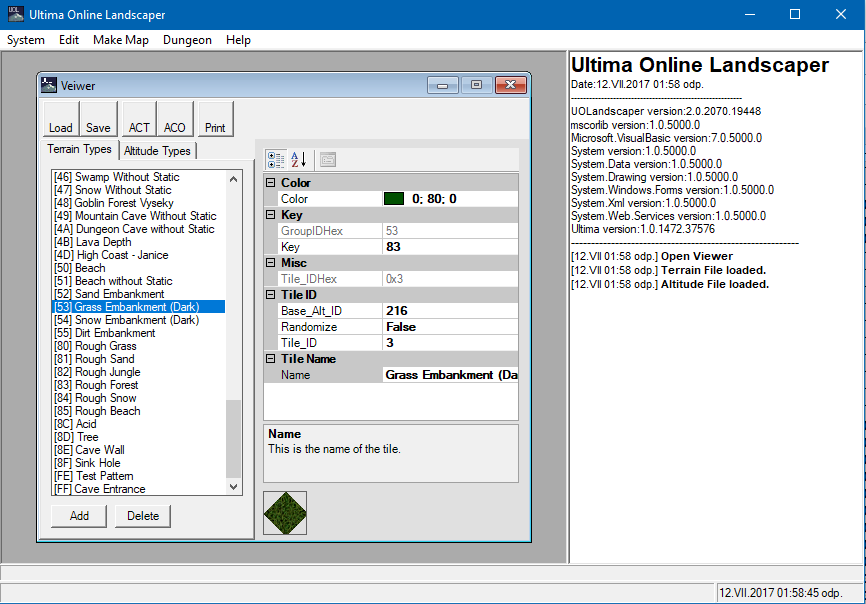
Program to generate map files from BMP images.
Screenshots
Downloads
- UOLandscaper.zip – 1.4
Historical Comments
S (2017-08-22):
Thanks for this website 🙂
Program to generate map files from BMP images.
S (2017-08-22):
Thanks for this website 🙂
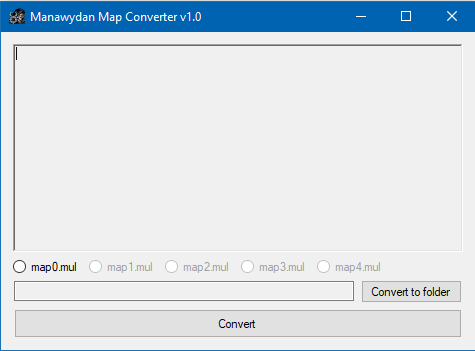
Convert map from 2d client to UOKR (C# source code included).
Dragon allows a map maker to paint a map on a BMP image using PaintShop, PhotoShop, or other popular paint programs that support specific pallets, and render the image into a usable map with static files.
Dragon is very flexible and customizable as to editing the color pallet to your own land tiles or altitudes, as well as what world items it should place during the map rendering. (like trees, grass’s, and other worldly decorative items)
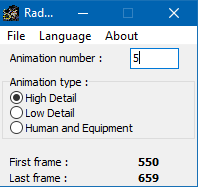
Program calculates first and last animation frame number.
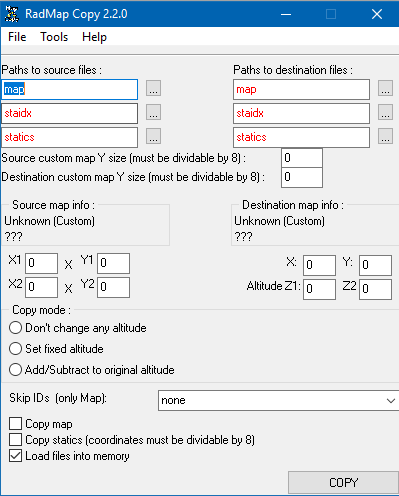
I know there are several applications out there to extract maps or sections of maps and copy the contents to other maps. Unfortunately though, I have not been able to get any of those applications to function properly. Perhaps that is because I am using Windows 7, or maybe they just don’t work with the new file sizes. Either way, I decided to go about creating a utility for my own use.
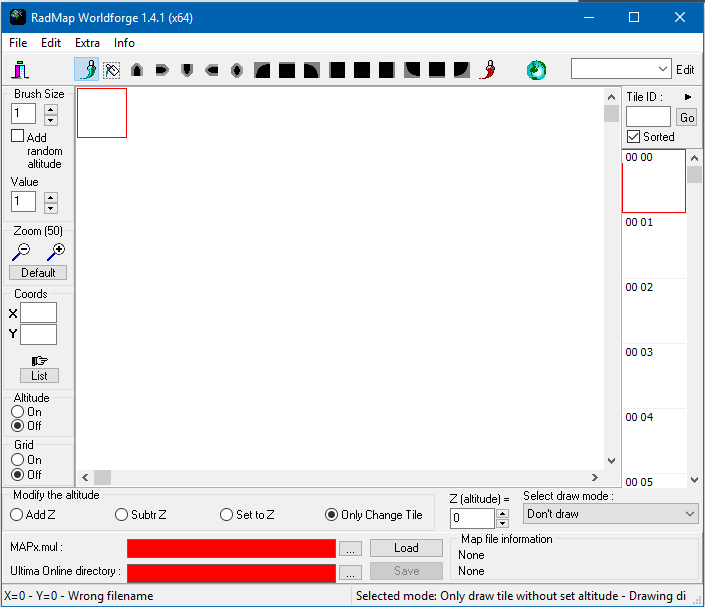
Program to edit files from mapX.mul files.
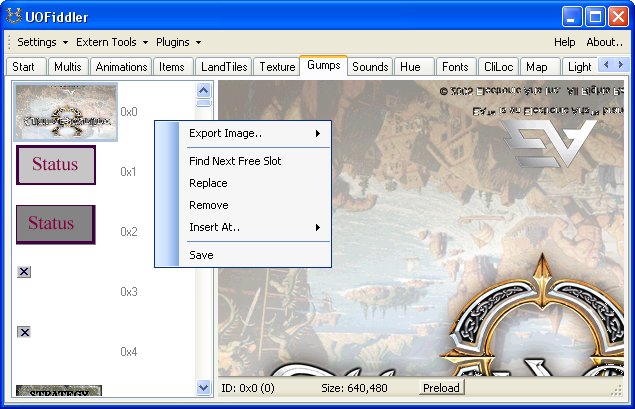
Based on Ultima SDK its an Tool to view and alter almost every 2d Client file.
The application once connected to your client files allows a variety of options for visualizing the UO client data.
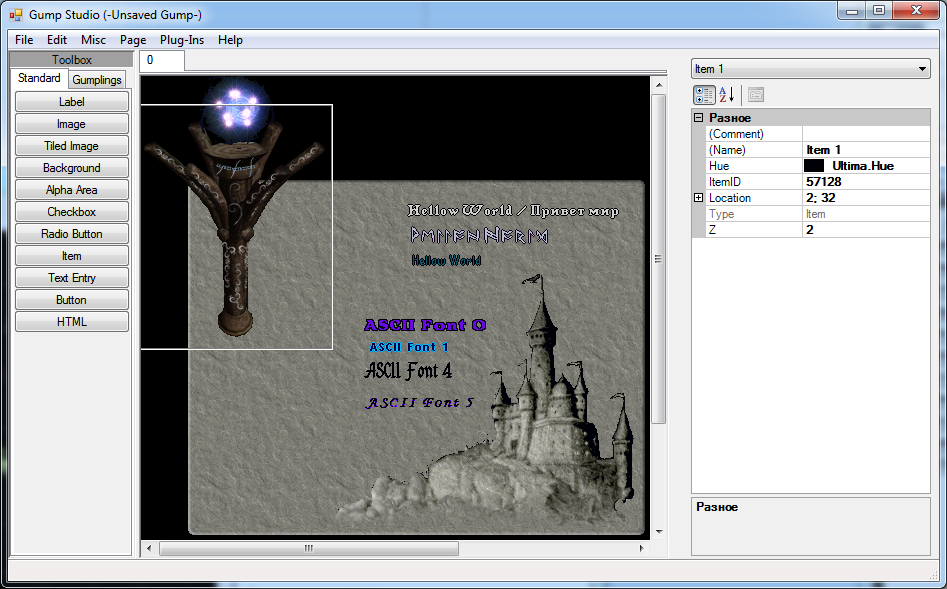
This program allows you to build gump and then save them as file or scripts for use in your server (Sphere, RunUO, …)
Artax (2019-04-13):
“CentrEd+” is the modified map and statics CentrEd editor of the last version 0.6.1 (by Andreas Schneider). Main advantages of “CentrEd+” are: better client data files support, group filtering for tiles, new tools, brushes, multi objects, runuo integration, updated and improved multi languageinterface, many other new features. The editor is the client-server application so it’s possible to edit and look through the maps for different people at the same time, besides the program allows to work with maps of any size. Originaly this modification was made espesially for the Quintessence server, but now after rather big work it’s able for all UO commnunity.